Your AI feature is a hit, and the bill is growing as fast as the usage. Here’s how to keep the first and tame the second.
To make the savings concrete, every tip below is priced on the same example. All prices are list prices from our price board as of 2026-11-21.
The Example We Use Throughout
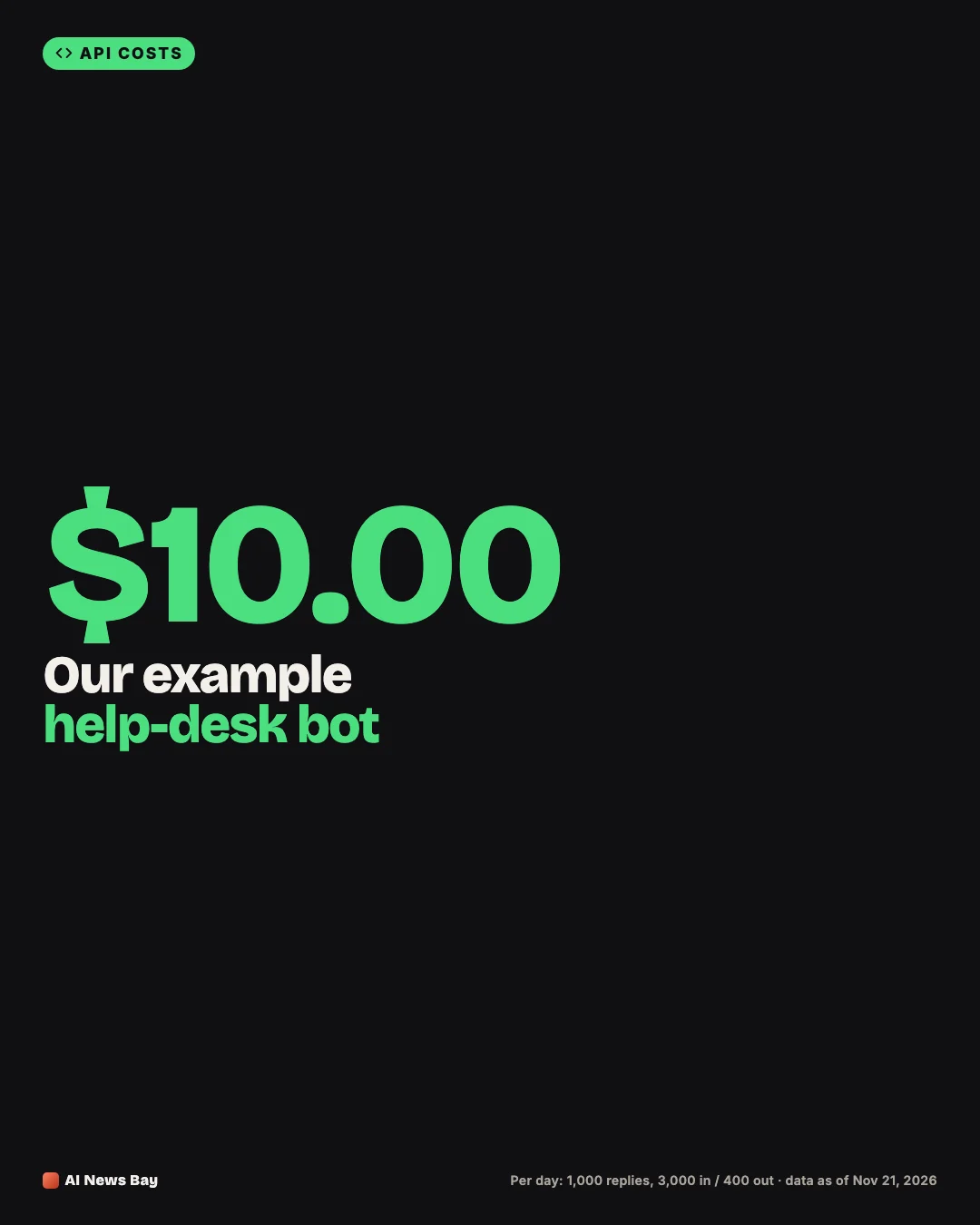
A help-desk bot answers 1,000 questions a day. Each request sends 3,000 input tokens (instructions, a few earlier messages and the question) and gets back 400 output tokens. It runs on Claude Sonnet 5.5, listed at $2 per 1M input tokens and $10 per 1M output tokens.
- Cost per day: (3,000 × $2 + 400 × $10) ÷ 1,000,000 × 1,000 = $10.00
- Cost per month (30 days): about $300
Our article What Does One AI API Request Cost? explains this formula step by step.
1. Use a Smaller Model Where It Is Good Enough
Many tasks don’t need a flagship model: classifying, extracting fields, short factual replies, reformatting. The same workload on Claude Haiku 5.5 ($0.10 input, $0.50 output) costs $0.50 a day, 95% less.
The catch is quality, so test first. Run 30–50 real requests through both models and compare the answers side by side. Our checklist for choosing a model walks through that test.
2. Route Requests by Difficulty
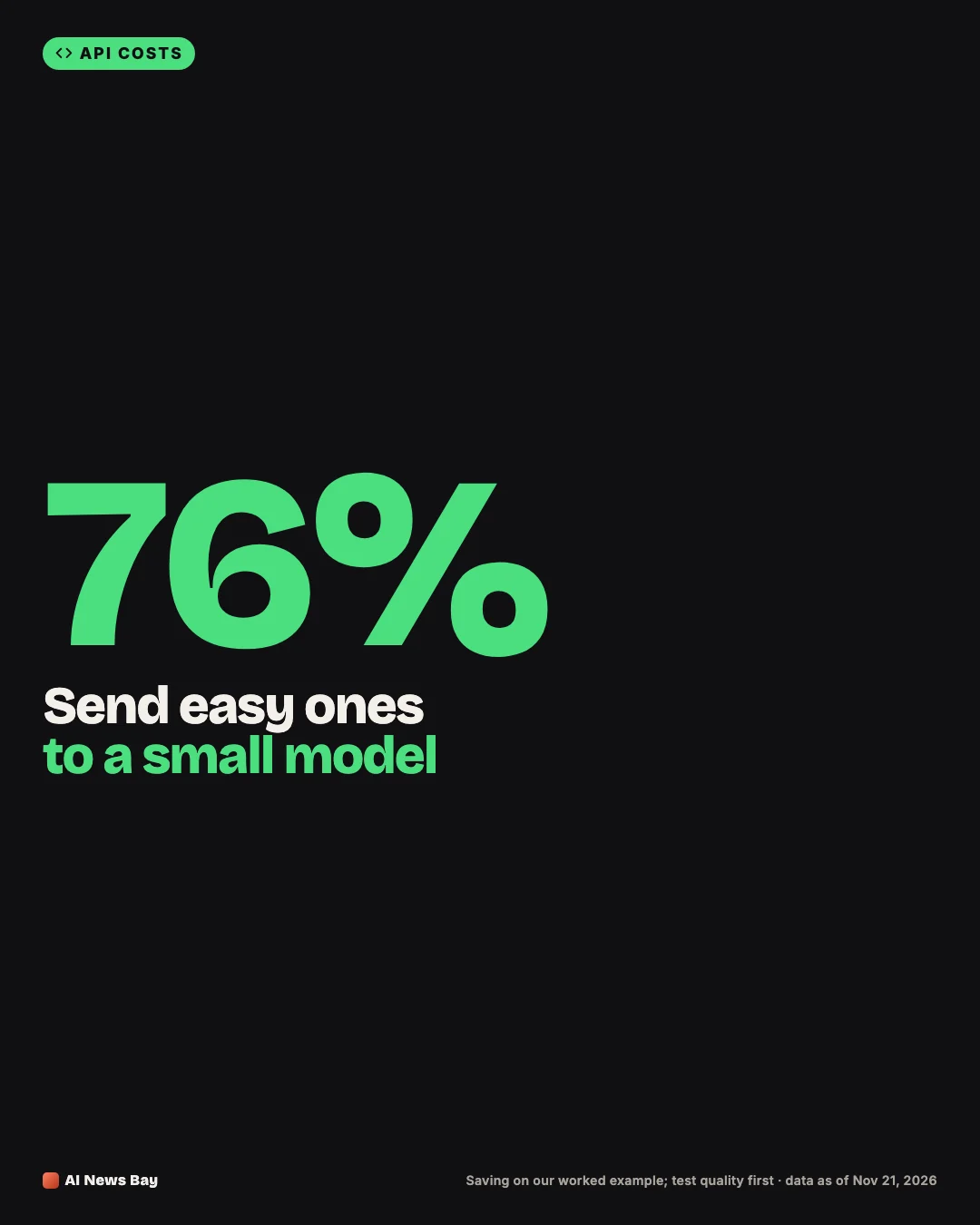
You don’t have to pick one model for everything. Send easy requests to a small model and only hard ones to a bigger model. If 80% of questions go to Haiku 5.5 and 20% to Sonnet 5.5, the day costs about $2.40 instead of $10.
A router can be simple: a rule based on request type or length, or a quick classification by the small model itself. Start with rules you can explain, and log which path each request took so you can check the quality of both.
3. Cache the Part of the Prompt That Never Changes
If every request starts with the same long instructions or reference text, prompt caching lets the provider reuse that part at a much lower price. Anthropic’s pricing page lists a cache read at 0.1 times the base input price on most models. A 5-minute cache write costs 1.25 times the base input price, and a 1-hour write costs 2 times.
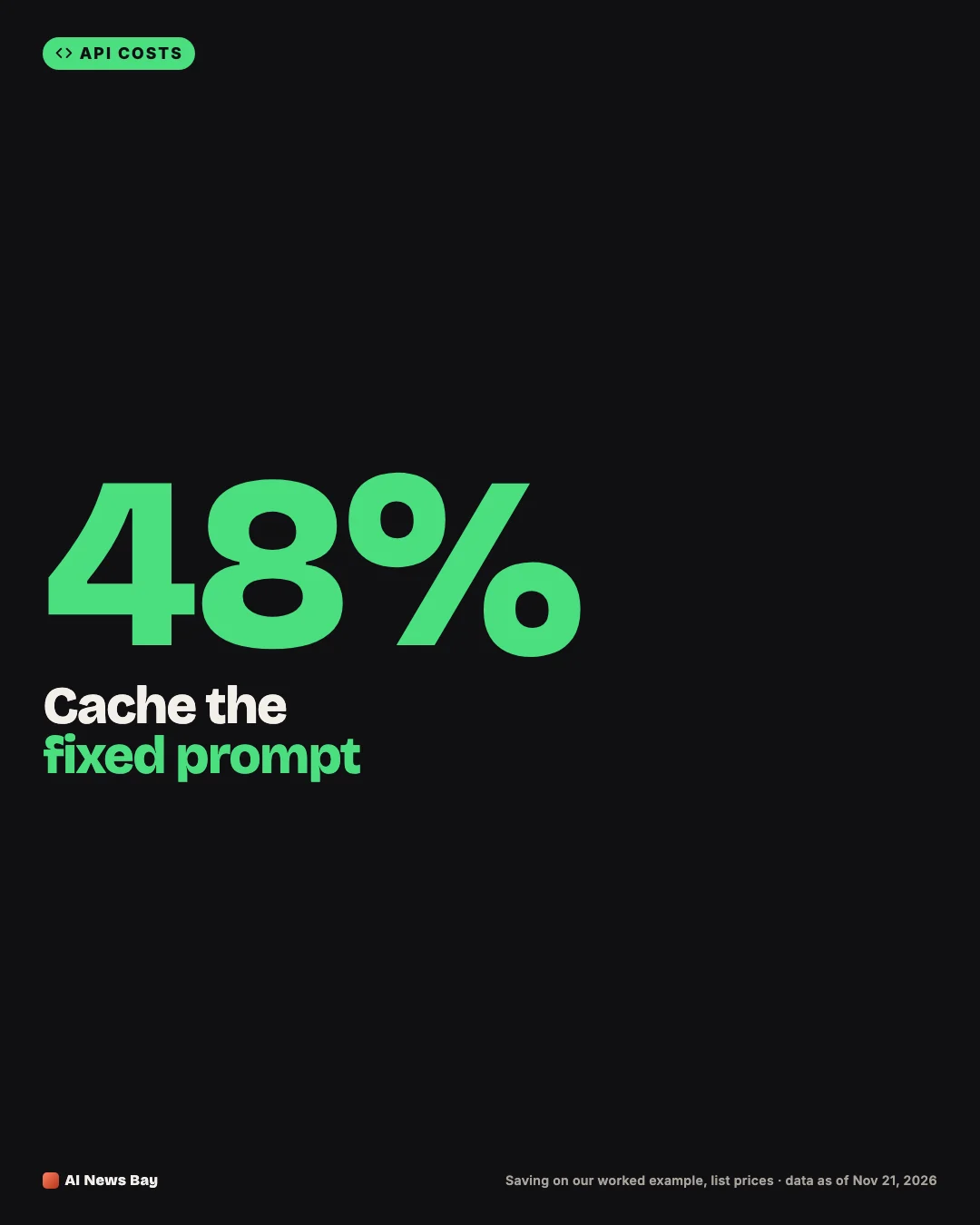
Say 2,500 of the 3,000 input tokens are a fixed system prompt. With caching, those 2,500 tokens are billed at Sonnet 5.5’s cached price of $0.10 per 1M instead of $2. The daily cost falls to about $5.25, ignoring the occasional cache write. On our board, 39 of 42 models list a cached-input price. (Correction, 2026-11-22: an earlier version said 38 of 42; Grok 4.7’s $0.50 cached price is now on our board.)
To get the most from caching, put the fixed text first and the changing text (the user’s question) last. Caches only match from the start of the prompt.
Did you know? On Anthropic’s pricing page, reading cached prompt text costs one tenth of the normal input price on most models.
4. Batch Work That Can Wait
Reports, tagging, translations and evaluations rarely need an answer in seconds. Batch APIs process requests within hours at a discount. Anthropic’s pricing page lists Claude Sonnet 5.5 at $1 input and $5 output in batch mode, half the standard price. The same 1,000 requests would cost $5.00 if they could wait.
Batch doesn’t suit a live chatbot. It does suit the nightly jobs that often sit beside one, such as summarising the day’s conversations.
5. Set a Maximum Output Length
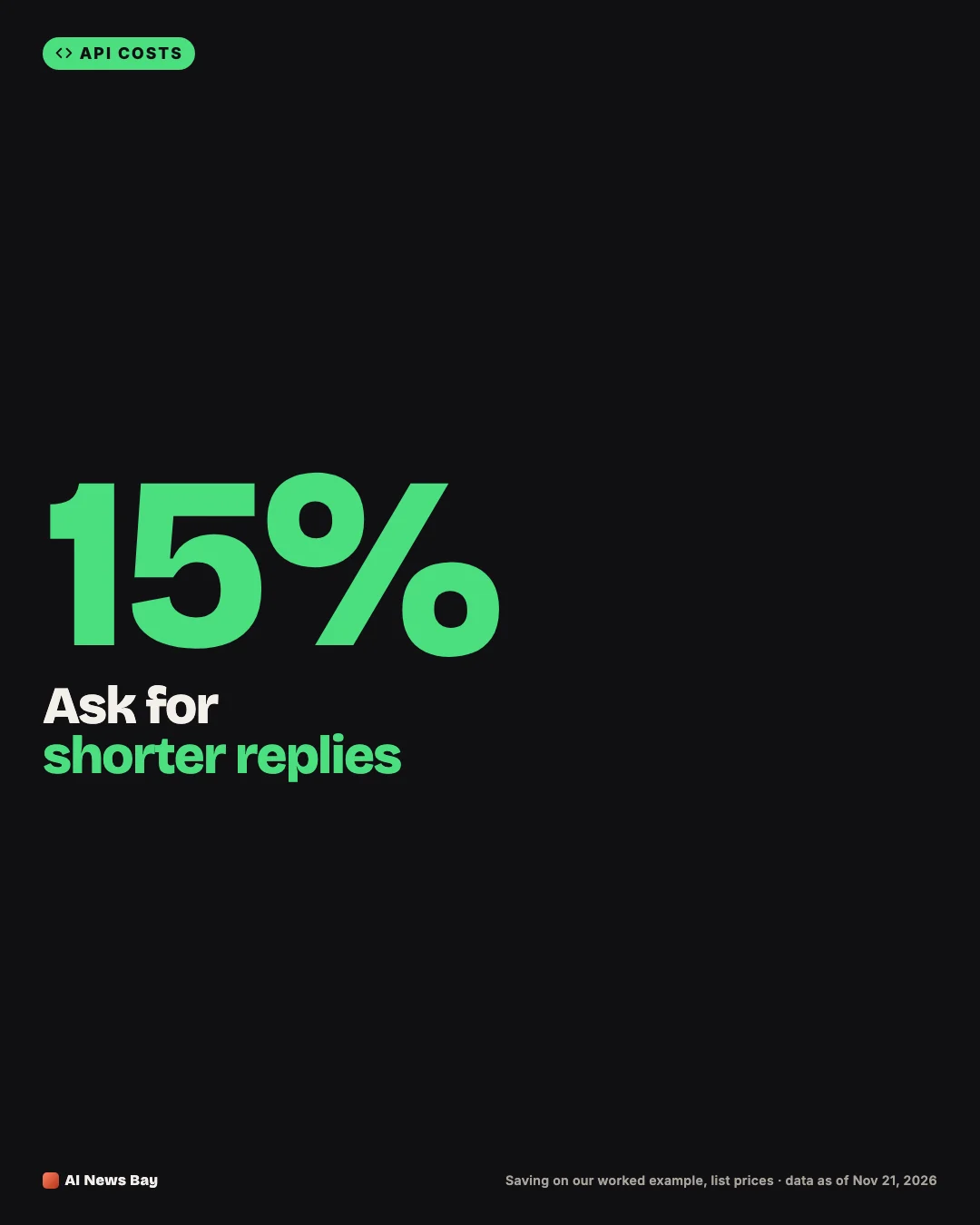
Output tokens cost five times as much as input tokens for Sonnet 5.5. Asking for shorter answers, and setting a maximum-tokens limit as a safety net, cuts the expensive side of the bill. Trimming the average answer from 400 to 250 tokens brings the day from $10.00 to $8.50.
Say what you want in the instructions (“answer in three sentences or fewer”). A hard limit alone can cut answers off mid-sentence.
6. Trim the Conversation History
Chat apps often resend the whole conversation with every message, so later messages cost more and more. Keep the last few turns word for word and replace older ones with a short summary. If that takes the average input from 3,000 to 1,800 tokens, the day costs $7.60.
7. Shorten Your Instructions
System prompts grow over time as rules get added and never removed. Read yours once a month. Delete duplicated rules, long examples you no longer need and polite filler. Every token you remove from a prompt is saved on every single request.
8. Stay Below Long-Context Price Tiers
Some models charge more per token once a prompt passes a size limit. On our board, Claude Haiku 5.5 is $0.10 per 1M input tokens for prompts up to 100,000 tokens and $0.50 above that. A 90,000-token prompt costs about $0.009, but a 150,000-token prompt costs about $0.076, more than eight times as much for less than twice the text. OpenAI’s current models on our board switch to a long-context price above 272,000 input tokens.
If you’re close to a tier line, split the document or send only the relevant sections.
9. Use Off-Peak Pricing Where It Exists
DeepSeek’s pricing page says off-peak rates are half the peak rates. It lists peak hours as 01:00–04:00 and 06:00–10:00 UTC on weekdays, with all other hours off-peak. Our example on DeepSeek V4.1 Flash costs $1.38 a day at peak prices and $0.69 off-peak. If your batch jobs can run at those times, schedule them there.
10. Lower the Reasoning Effort
Reasoning models think before they answer, and that thinking is billed as output. OpenAI’s reasoning guide shows a setting for reasoning effort, with low as one of the options. For simple tasks, a lower effort means fewer hidden tokens and a smaller bill. Test the quality, then keep the lowest setting that still gives good answers.
11. Stop Paying Twice for the Same Answer
- Cache answers in your own app. If many users ask the same question (opening hours, return policy), store the answer and serve it without calling the model again.
- Retry with care. Retrying failed requests instantly and repeatedly can multiply your bill during an incident. Wait longer after each failure, and check the provider’s status page. Our AI API status page gathers what many providers post.
- Deduplicate. Make sure a double click or a page reload doesn’t send the same request twice.
12. Measure Spend and Set Limits
You can’t cut what you don’t measure. Log the input and output token counts that every API response returns, and add them up per feature, so you know which part of your app costs the most.
Then set a ceiling. OpenAI’s error-code guide mentions spend limits you can set for an organization or a project. Anthropic’s errors page mentions spend limits you can set for an organization or workspace. A limit turns a runaway bug into an error message instead of a surprise invoice.
Before and After: How the Savings Add Up
| Change (before: $10.00/day) | After: daily cost | Saving |
|---|---|---|
| No change: Claude Sonnet 5.5 | $10.00 | – |
| Shorter answers (400 → 250 tokens) | $8.50 | 15% |
| Trimmed history (3,000 → 1,800 input tokens) | $7.60 | 24% |
| Cache a 2,500-token system prompt | $5.25 | 48% |
| Batch mode (only if answers can wait) | $5.00 | 50% |
| Route 80% to Claude Haiku 5.5 | $2.40 | 76% |
| Everything on Claude Haiku 5.5 | $0.50 | 95% |
The savings don’t simply add up, because each change shrinks the base the next one works on. But combining two or three of them is common, and it often brings a bill down to a fraction of where it started.
What This Means for You
- Developers: start with logging tokens per feature, then test a smaller model and prompt caching; those two often give the biggest wins.
- Founders and team leads: ask for a monthly cost-per-feature report and a spend limit; it turns surprises into decisions.
- Curious beginners: AI services charge by the amount of text in and out, so shorter, smarter requests cost less.
Copy-Ready Cost Review Checklist
- Token use logged per feature
- Smaller model tested on 30–50 real requests
- Fixed prompt text placed first and cached
- Non-urgent jobs moved to batch or off-peak
- Answer length capped in instructions and settings
- Old conversation turns summarised
- Spend limit set
Which line on this list could you tick off this week?
Bottom Line
Start with the model: test whether a smaller one, or a mix of small and large, handles your traffic well. Then cache fixed prompt text, keep answers and histories short, and batch anything that can wait. Finally, log token use per feature and set a spend limit. Compare prices for your own workload on our price board. Our guide How LLM API Pricing Works covers the background on tiers, caching and batch discounts.
Next, compare models on our price board, or read How to Choose an AI Model. Want these updates by email? Sign up here, or follow new guides and data stories through our RSS feed.